
Rox Teddy vs Spreadsheets for Performer Scheduling
Managing a professional production with a spreadsheet is a rite of passage that eventually becomes a liability. While Excel and Google Sheets offer infinite flexibility, they la...
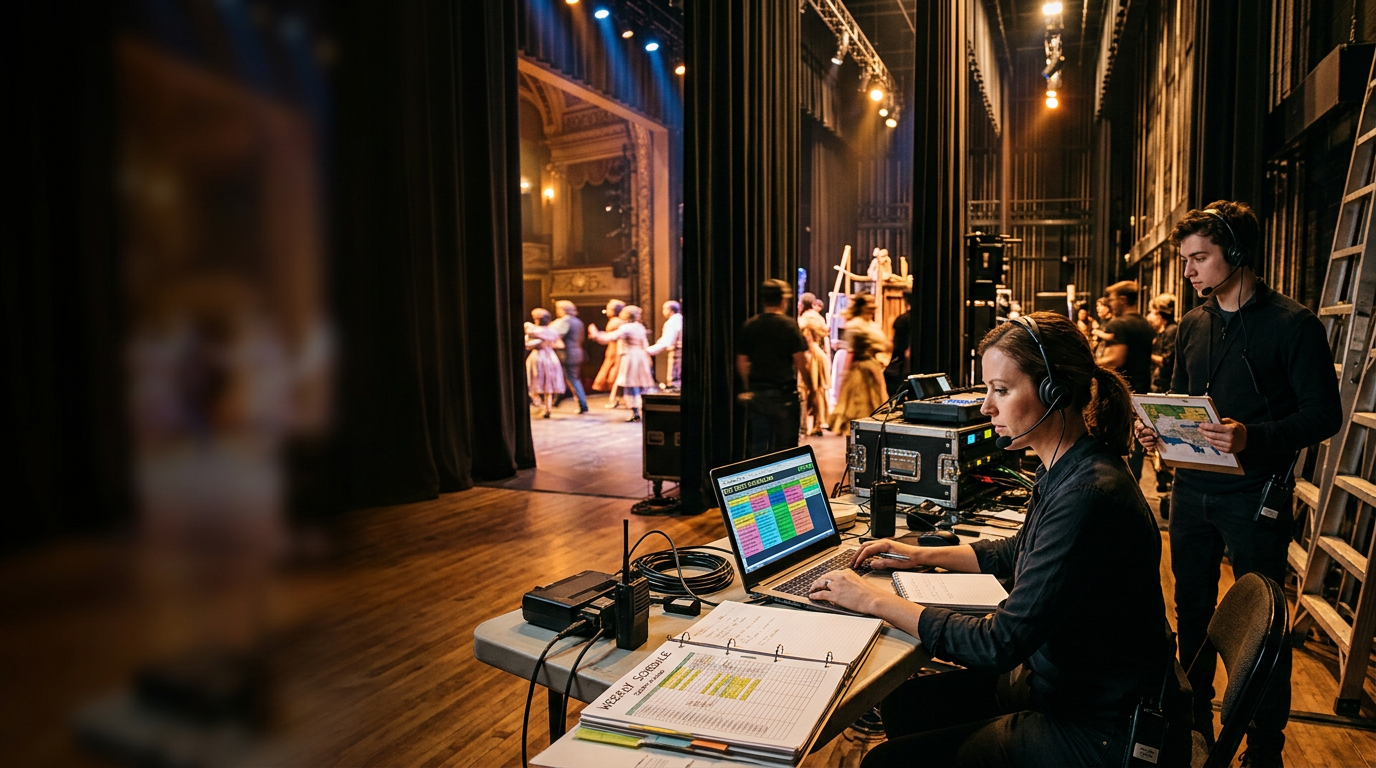
Managing a professional production with a spreadsheet is a rite of passage that eventually becomes a liability. While Excel and Google Sheets offer infinite flexibility, they lack the relational intelligence required to handle the volatile nature of live performance. This guide breaks down the operational transition from manual grids to specialized performer scheduling software, focusing on data integrity, labor compliance, and communication speed.
The Structural Limits of Spreadsheet Scheduling
Spreadsheets are designed for static data entry and mathematical calculations, not for the fluid dynamics of a revolving cast. When you use a spreadsheet to track a 20-person ensemble across a six-show weekend, you are essentially building a custom database from scratch every time you make a change.
The "Single Cell" Problem
In a spreadsheet, a performer's name is just text. The software does not know that "John Smith" is the same person who has a flight landing at 4:30 PM and a contractual limit of five shows per week. If you type "Jon Smith" in one cell, the spreadsheet treats him as a different human. This lack of data validation leads to double-booking and "ghost" shifts where a performer is scheduled for a role they are not tracked to play.
Broken Version Control
The moment a Stage Manager exports a PDF and emails it to the company, the spreadsheet is potentially obsolete. In the high-pressure environment of live entertainment, having three different versions of a "Final Schedule" circulating among cast and crew is a recipe for missed cues and empty dressing rooms.
Automating Performer Availability Tracking
Managing a roster of resident performers or a touring company requires a deep understanding of who is physically present and contractually available. Attempting to manage performer availability tracking through email chains and manual spreadsheet updates is the leading cause of administrative burnout.
The Self-Service Model
Modern scheduling tools shift the burden of data entry from the management team to the performers. Instead of a Stage Manager manually inputting blackout dates from a stack of paper requests, performers log their own availability within set parameters.
Hard Constraints and Blackout Logic
When evaluating a spreadsheet alternative, look for systems that allow you to set "Hard Constraints." These are rules that the software enforces automatically, such as:
- Mandatory Rest Periods: Ensuring a minimum of 11 hours between the end of a pack-out and the start of the next call.
- Contractual Maximums: Flagging when a performer exceeds their agreed-upon weekly hours or show count.
- Visa and Document Expiry: Preventing a performer from being scheduled if their work authorization or medical clearance has expired.
Precision in Cast Rotation and Understudy Tracking
In shows with high physical demands—such as circus, musical theatre, or stunt shows—the schedule is not just about who is on stage, but who is resting. This is where specialized performer scheduling software outperforms a grid.
Tracking "Tracks" vs. People
In professional theatre, you aren't just scheduling a person; you are scheduling a "track"—a specific set of responsibilities, costumes, and cues. A single performer might be "Primary" for Track A, "First Cover" for Track B, and "Swing" for Track C.
A spreadsheet requires you to manually check that if Person X moves into Track B, someone else is moved into Track A. A relational database tracks these dependencies. When you drag a performer into a slot, the system automatically identifies if their secondary tracks are now vacant, allowing for a proactive rather than reactive approach to how to schedule performers for a live show.
Managing Injury and Last-Minute Swaps
When a lead performer calls out two hours before curtain, a spreadsheet user must manually cross-reference the understudy list, check the understudy's current assignment, and find a replacement for that assignment. In a dedicated tool, these "cascading changes" are handled through a central dashboard. You swap the lead, and the system prompts you to fill the resulting holes based on the established depth chart.
Communication and Information Distribution
The effectiveness of a schedule is determined by how easily it can be accessed by the people who need it. Spreadsheets are notoriously difficult to read on mobile devices, which is how 90% of performers check their call times.
Real-Time Push Notifications
When a call time changes from 10:00 AM to 11:30 AM, an expert operations manager knows that an email is not enough. Dedicated scheduling tools utilize push notifications and SMS. This creates a digital paper trail with "Read Receipts," allowing management to see exactly who has viewed the update and who might still be showing up for the old call time.
Customized Views
A Stage Manager needs to see everything. A Wardrobe Lead needs to see costume presets. A performer only needs to see their specific calls.
- The Manager View: A high-level heat map showing labor costs, total hours, and coverage gaps.
- The Department View: Filtered lists showing only the performers required for a specific rehearsal or fitting.
- The Performer View: A personalized calendar integrated with their phone's native calendar app.
The Cost of "Free" Spreadsheets
The most common argument for staying with spreadsheets is that they are free. This is a fallacy in entertainment operations. The cost of a spreadsheet is hidden in "Labor Leakage" and "Administrative Drag."
Calculating Administrative Drag
If a Company Manager spends 10 hours a week building, auditing, and distributing schedules at a rate of $40/hour, that spreadsheet costs the production $1,600 per month in labor alone. Specialized software often costs a fraction of that while reducing the time spent on scheduling by 60% to 80%.
Avoiding Premium Pay and Penalties
Spreadsheets do not alert you when you are about to trigger a "Sixth Day" premium or a "Meal Gap" penalty under SAG-AFTRA or Equity rules. Professional scheduling software can be programmed with these CBA (Collective Bargaining Agreement) rules. The system will flag a violation before the schedule is published, preventing thousands of dollars in avoidable payroll bloating.
Decision Rules: When to Make the Switch
Not every production needs a high-end database. Use the following decision rules to determine if your operation has outgrown spreadsheets:
- The Roster Rule: If your active roster exceeds 15 performers, the number of potential conflicts exceeds what the human brain can reliably track in a flat grid.
- The Complexity Rule: If your performers play multiple roles or rotate through different "tracks" throughout the week, you need relational software.
- The Stakeholder Rule: If more than three people (e.g., SM, CM, and Wardrobe) need to edit or pull specific data from the schedule simultaneously, a spreadsheet will suffer from sync errors and data loss.
- The Compliance Rule: If you are operating under a union contract with strict rest and overtime penalties, the "Audit Trail" provided by scheduling software is a mandatory risk-management tool.
Transitioning Your Workflow
Moving from a spreadsheet to a dedicated tool like Rox Teddy is not an overnight process, but it follows a logical path:
- Standardize Your Tracks: Define every role and specific duty independent of the performers.
- Clean Your Data: Ensure your performer names, contact info, and contract dates are accurate before importing.
- Run Parallel Systems: For the first two weeks, maintain your old spreadsheet while building in the new tool to ensure all custom rules (like specific travel buffers) are firing correctly.
- Hard Cutover: Once the team is trained, stop distributing the spreadsheet. Forcing the "Single Source of Truth" is the only way to ensure adoption.
Where Rox Teddy fits
Rox Teddy is built specifically for the complexities of live entertainment, providing a central hub for roster management, track assignments, and automated notifications. It replaces the fragile links of a spreadsheet with a robust database designed to prevent scheduling conflicts before they happen. By streamlining the flow of information between management and the stage, it allows production teams to focus on the show rather than the paperwork.
Modernizing your scheduling infrastructure is an investment in the operational health and safety of your entire production.